
GM’s latest charging update puts the focus on the plug-in handshake
Eligible GM drivers can now start sessions automatically at participating Electrify America chargers. Here is how the idea compares with ChargeNet’s existing automatic charging options in New Zealand.
Some EV charging improvements are about the seconds before electricity starts flowing.
GM’s 17 November update lets eligible Energy Pass users connect at participating Electrify America stations and have the session start automatically. Once set up, there is no need to reach for a payment card or manually start each session in an app.
The feature is available for GM EVs with native CCS ports. Support for GM models with native NACS ports is planned for early 2027. This is a US-network rollout, rather than an announcement of a new New Zealand service.
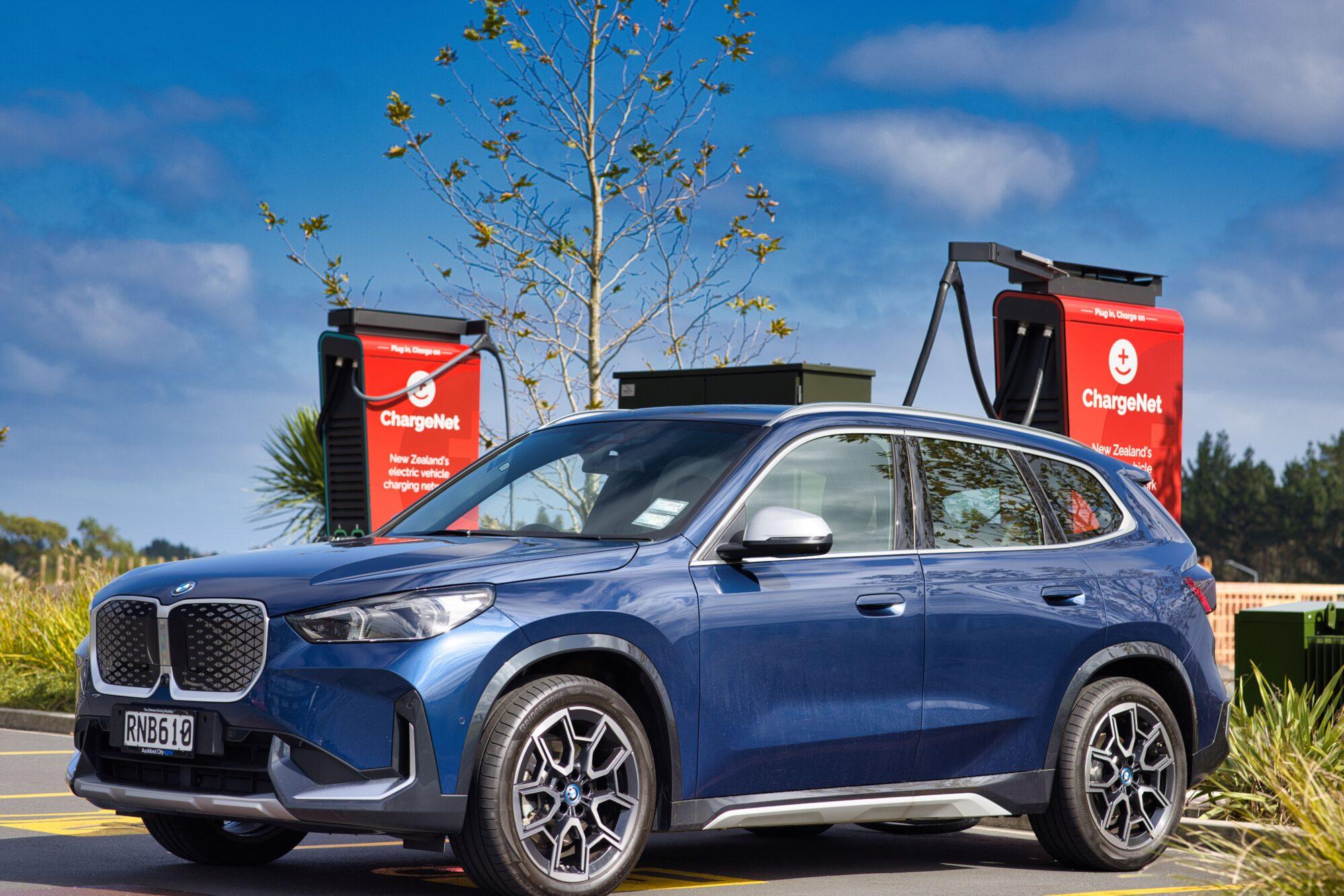
Yet the idea is relevant here, because Kiwi drivers already have automatic-start options through ChargeNet. The interesting technology is the handshake between the car, charger and payment account.
The cable carries more than electricity
For GM’s rollout, the vehicle and charger authenticate the session, with payment taken through the method linked to Energy Pass. Drivers first enrol through the myChevrolet, myGMC or myCadillac app, add payment details and complete the Plug and Charge setup.
The same app holds session information and receipts. Manual app-based charging remains available during the rollout.
The benefit is fewer actions at the charger. It does not, by itself, mean the battery can accept power any faster.
What already works in New Zealand?
ChargeNet’s local Plug & Charge service uses a secure digital handshake based on ISO 15118. Its current information identifies compatible BMW and MINI vehicles, while directing owners to check their particular car with the dealer.
Setup links a charging agreement to the vehicle using a digital certificate. A driver supplies the car’s Plug & Charge ID through the ChargeNet app, then selects the charging contract in the car’s settings.
At a supported DC fast charger, the session can start automatically after connection. ChargeNet tells drivers to check that charging has actually begun. Its app can filter for compatible sites.
Where supported, the car can hold multiple charging contracts. That can help a shared vehicle use the appropriate account, provided the driver selects the intended contract before plugging in.
Autocharge reaches the same goal differently
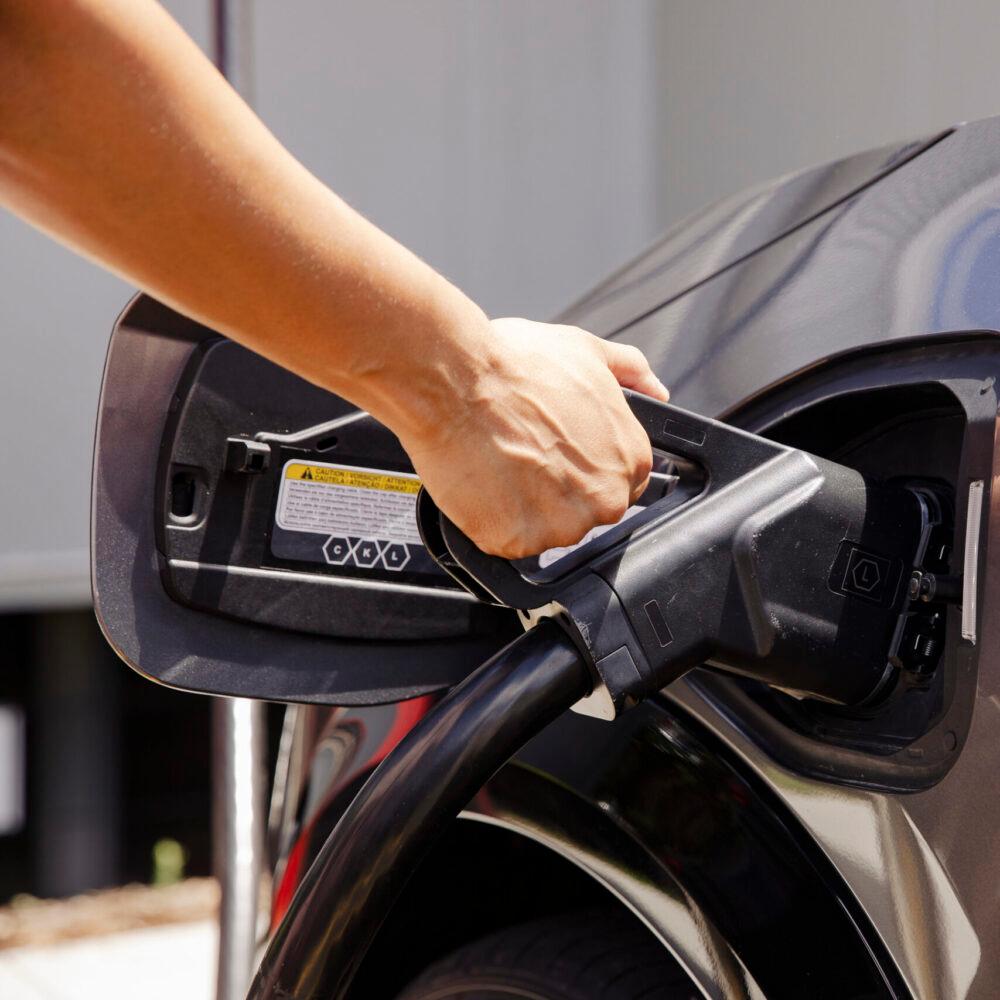
ChargeNet explains that Autocharge recognises the vehicle through its identifier, while Plug & Charge authenticates through digital certificates.
The experience at the plug can look much the same. Behind the scenes, setup and account handling differ.
Autocharge links a vehicle to one ChargeNet account. Certificate-based Plug & Charge can support multiple accounts where the vehicle allows it. ChargeNet recommends using one automatic charging method per car, because enabling both could result in a session being billed to a different account than expected.
Its Autocharge guidance says most CCS vehicles can use that service, but both car and charger must be compatible. A CCS socket alone is not a guarantee.
For a Kiwi buyer, that creates a useful question alongside battery range and charging speed: can this exact model and software version automatically start a session on the networks you use? Checking the car, account and charger together is what turns a promising feature into an easier stop.
Explainer · Spotted an error? Tell us. Read our editorial policy.
Related stories
News
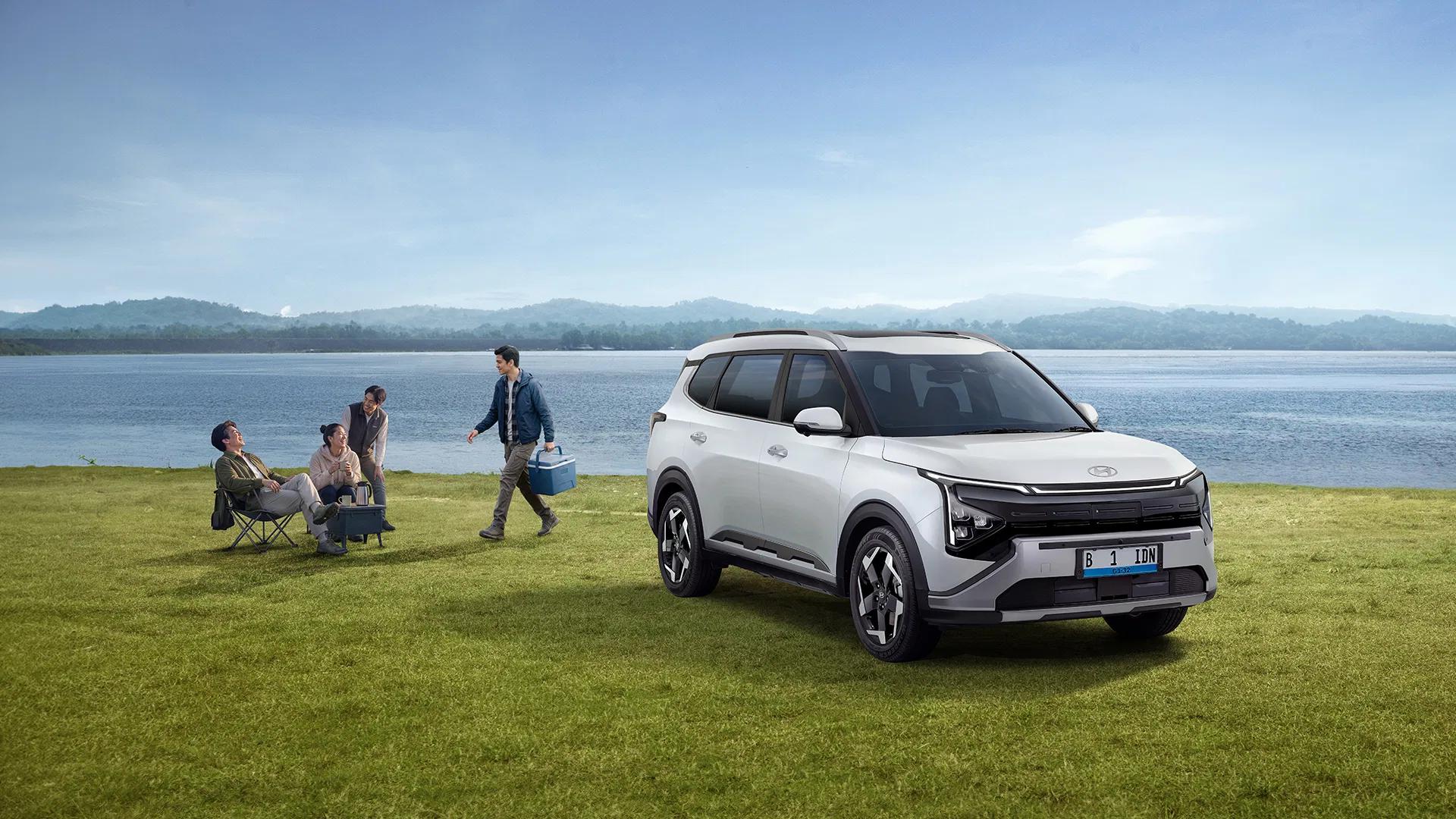
Hyundai Neira opens Indonesian bookings for a three-row electric family SUV
Overseas announcementThe seven-seat EV pairs 200mm ground clearance with familiar Hyundai cabin technology. New Zealand availability has not been confirmed.
CarWatch Admin ·
News
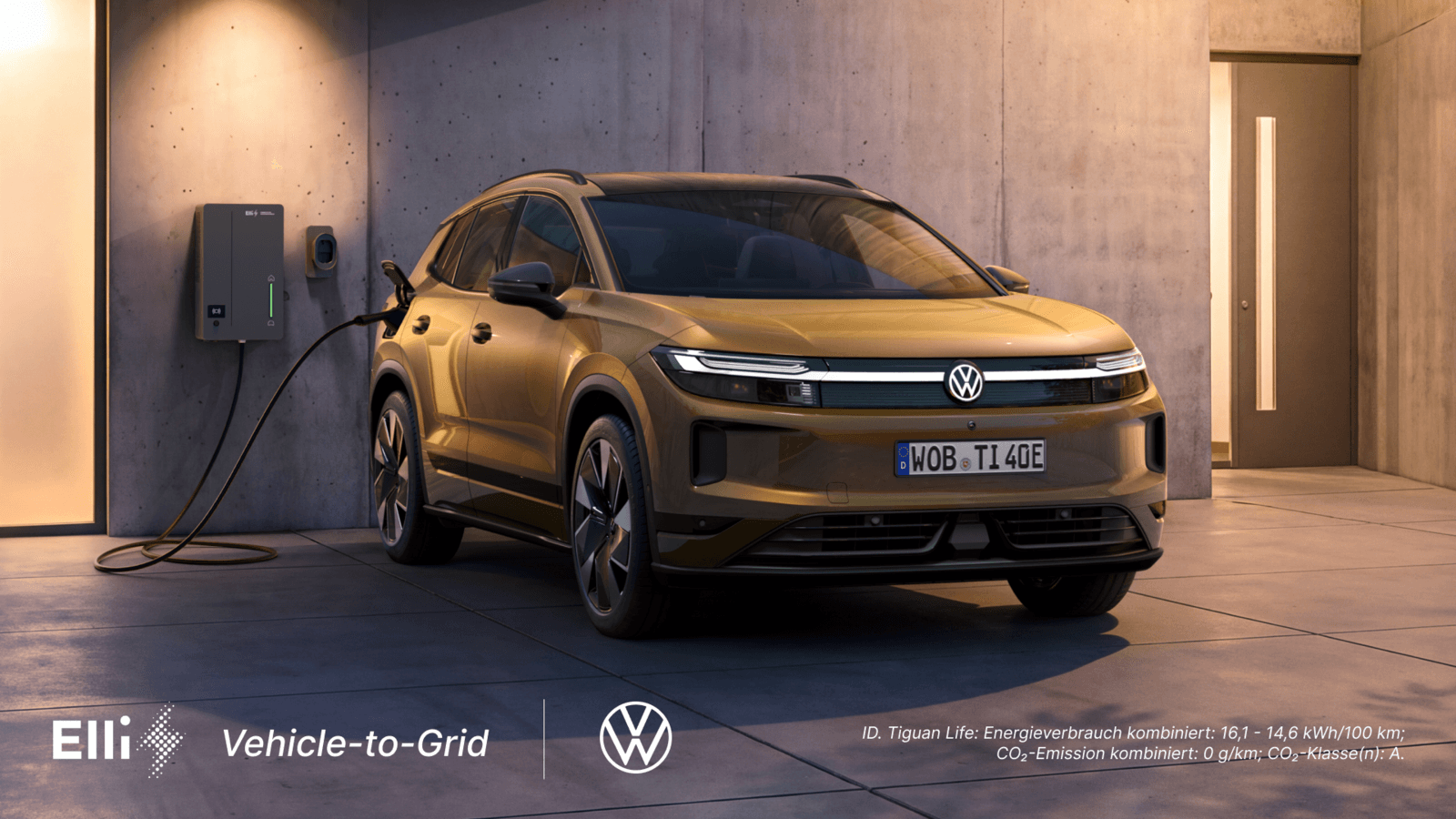
VW and Elli put a price on two-way charging in Germany
Overseas announcementA December V2G launch pairs a €1,995 charger with conditional connection payments. The package is not confirmed for NZ.
CarWatch Admin ·
News
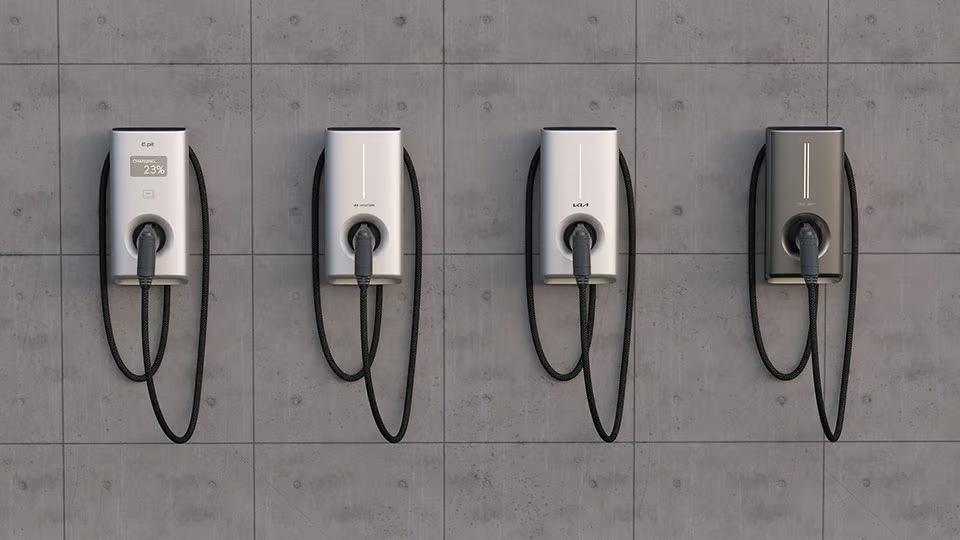
Hyundai’s new AC charger targets the everyday plug-in routine
Overseas announcementA unified charger for Hyundai, Kia and Genesis is planned for Korea in 2027, with NZ availability unconfirmed.
CarWatch Admin ·
News
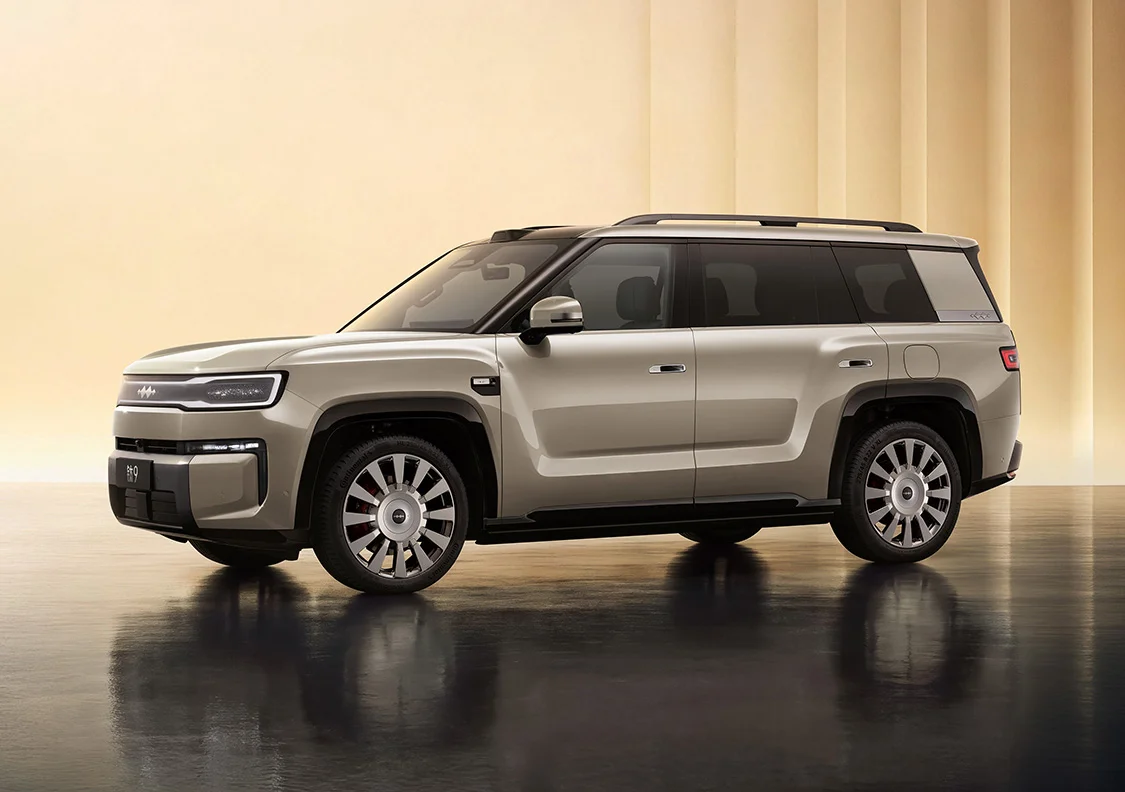
BYD’s Tai 9 puts a folding steering wheel into a production SUV
Overseas announcementThe China-market plug-in hybrid can clear space for its driver to recline while parked. New Zealand availability is unconfirmed.
CarWatch Admin ·